Turn scrolling conversations, articles, and feeds into one crisp, true-pixel long screenshot. Organize captures across icon-tagged topics in a real-image masonry gallery, and find any phrase instantly with 100% on-device keyword ranking and Vision OCR highlight jump.
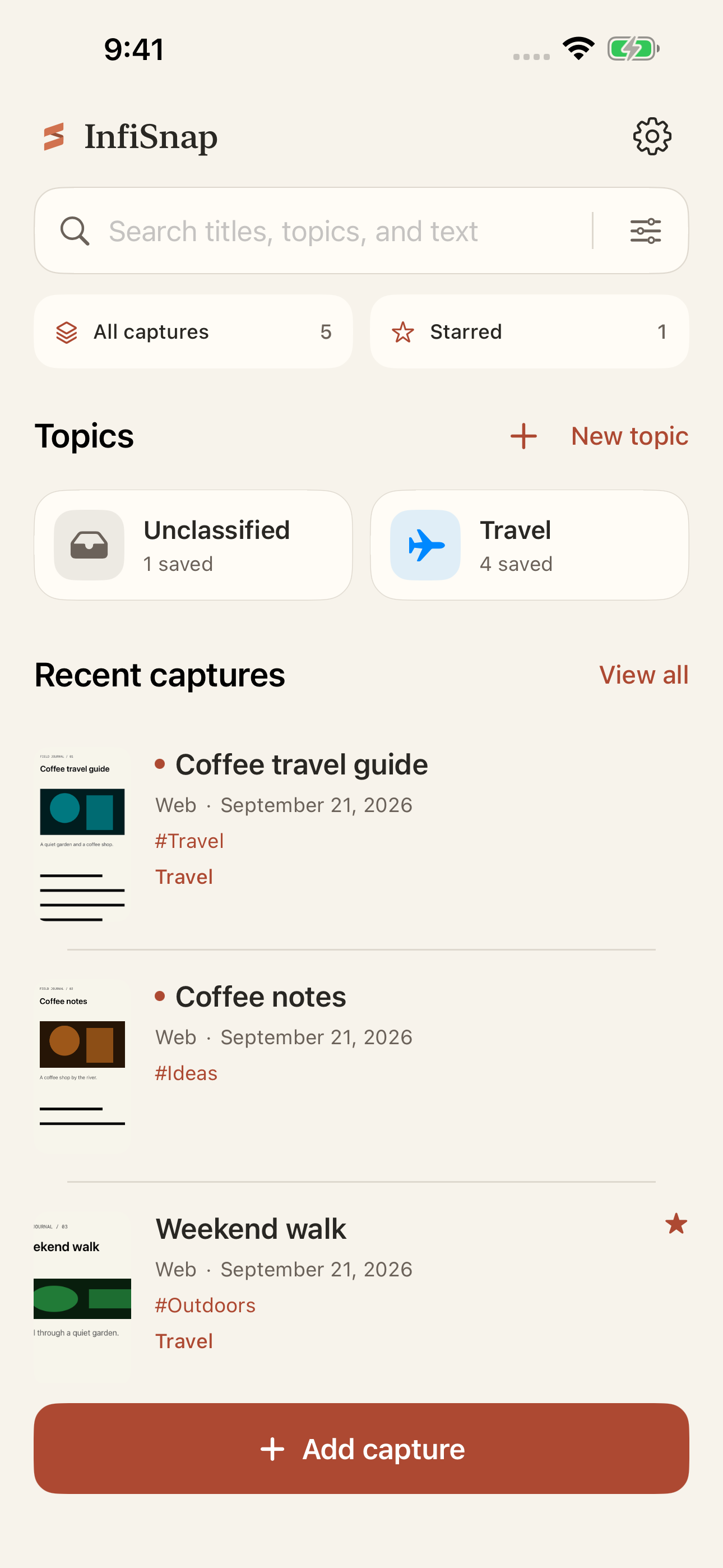
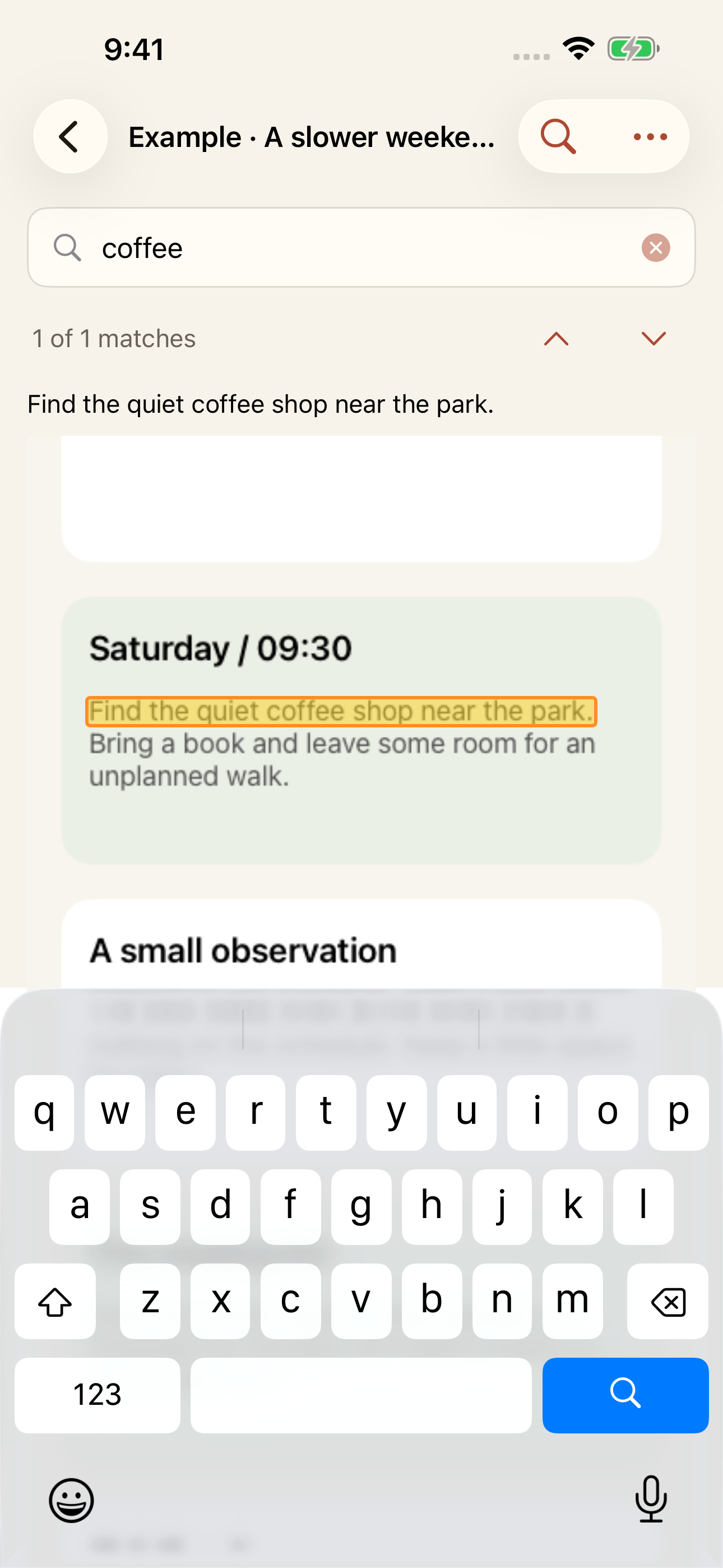
Masonry gallery & instant keyword jump
We reject synthetic blurs and cloud lock-in. InfiSnap pairs true-pixel scroll stitching with a calm, topic-driven screenshot knowledge library that lives entirely on your device.
Fixed-layer modeling, row-majority consensus voting, and periodic disambiguation across dynamic feeds and chat wallpapers. Automatically cleans sticky bars, floating badges, and scrollbars while preserving real sampled pixels.
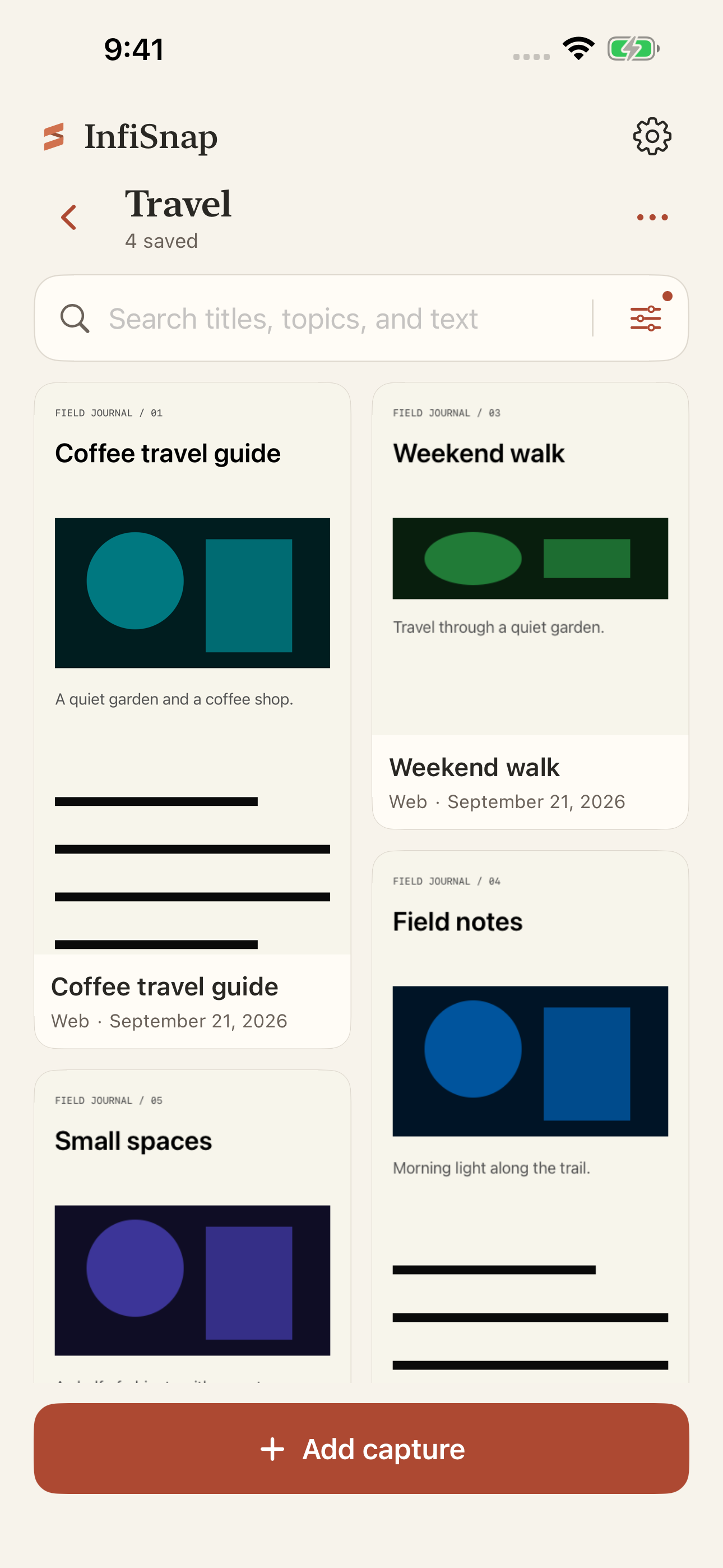
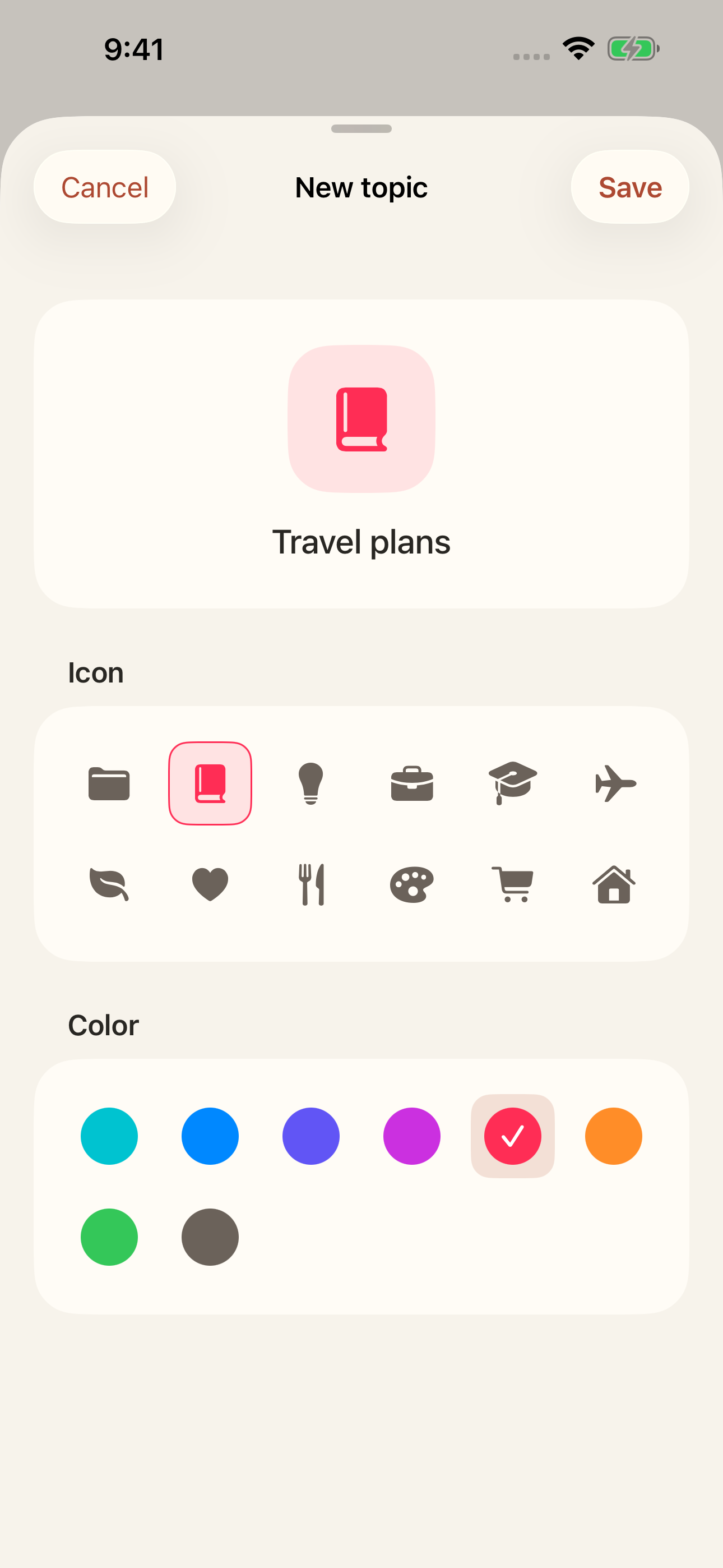
Organize captures into custom icon-and-color topics with an automatic Unclassified view. One screenshot can belong to multiple topics, deleting a topic never deletes your images, and every collection browses in a real-image masonry grid.
Decomposes multi-word queries on-device and ranks by keyword coverage and field relevance across titles, topics, tags, sources, and Vision OCR text. Filter by topic, source, tag, starred, or unread right inside the search bar.
Long-press any screenshot card or list row and drag it directly onto an existing topic—or drop onto New topic to create and assign in one fluid gesture. Interactive edge-swipe navigation lets you move back and forth effortlessly.
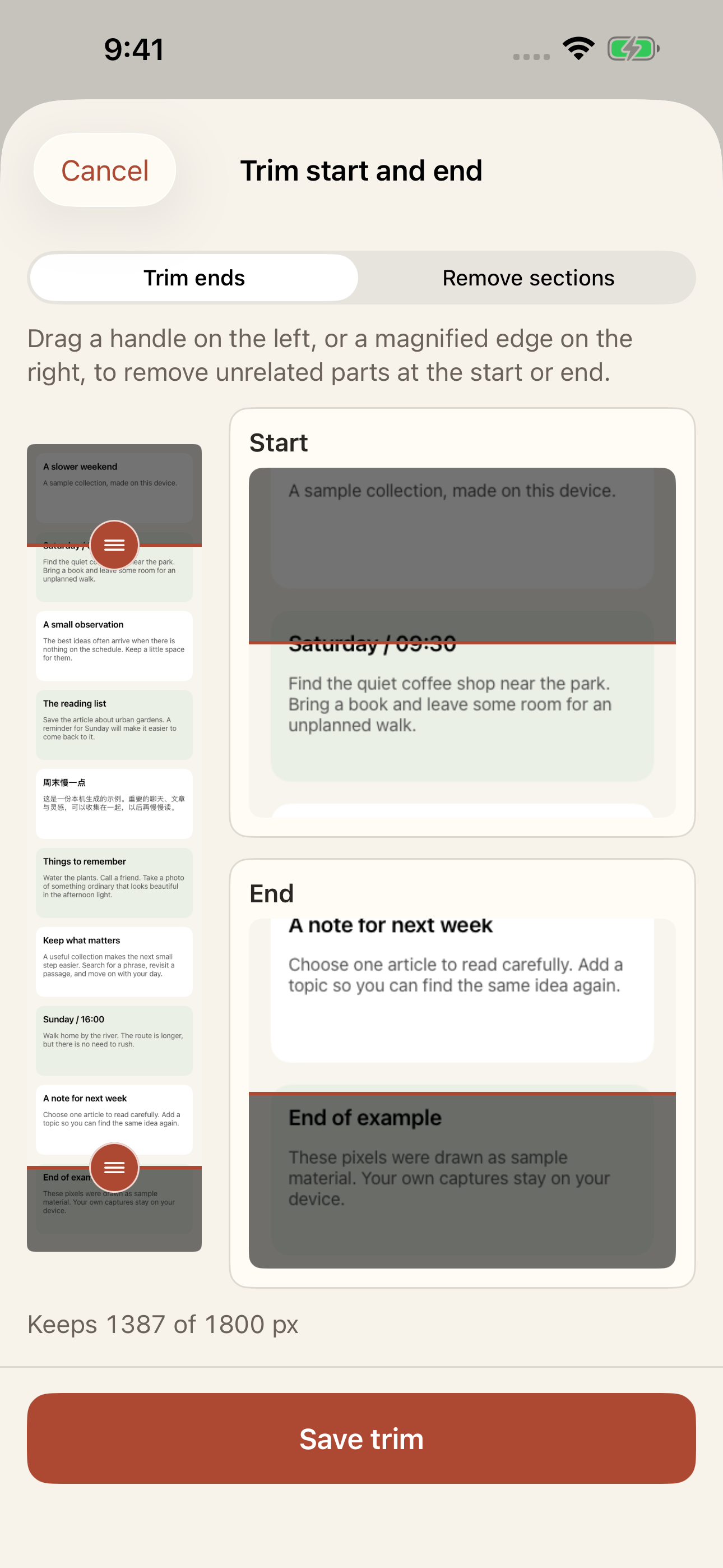
Trim start/end screens or remove middle sections with magnified pixel handles. Share crisp 85% JPEGs using your editable title as a clean Unicode filename, or unlock Pro for footer-free PDF, lossless PNG, and custom JPEG quality.
Deleted captures move to Trash for 30 days by default (configurable 1–3,650 days) so nothing is lost by accident. Export your library's OCR text and topic structure as standard Markdown for any note app or AI agent.
Your camera roll buries important screenshots between everyday photos. InfiSnap gives your long captures a quiet, structured home built around icon-tagged topics and visual recognition.
Conventional stitching apps either smudge boundaries with synthetic blurs, discard real repetitive messages, or fail when a chat has a fixed wallpaper or moving elements. InfiSnap adheres strictly to real sampled pixels.
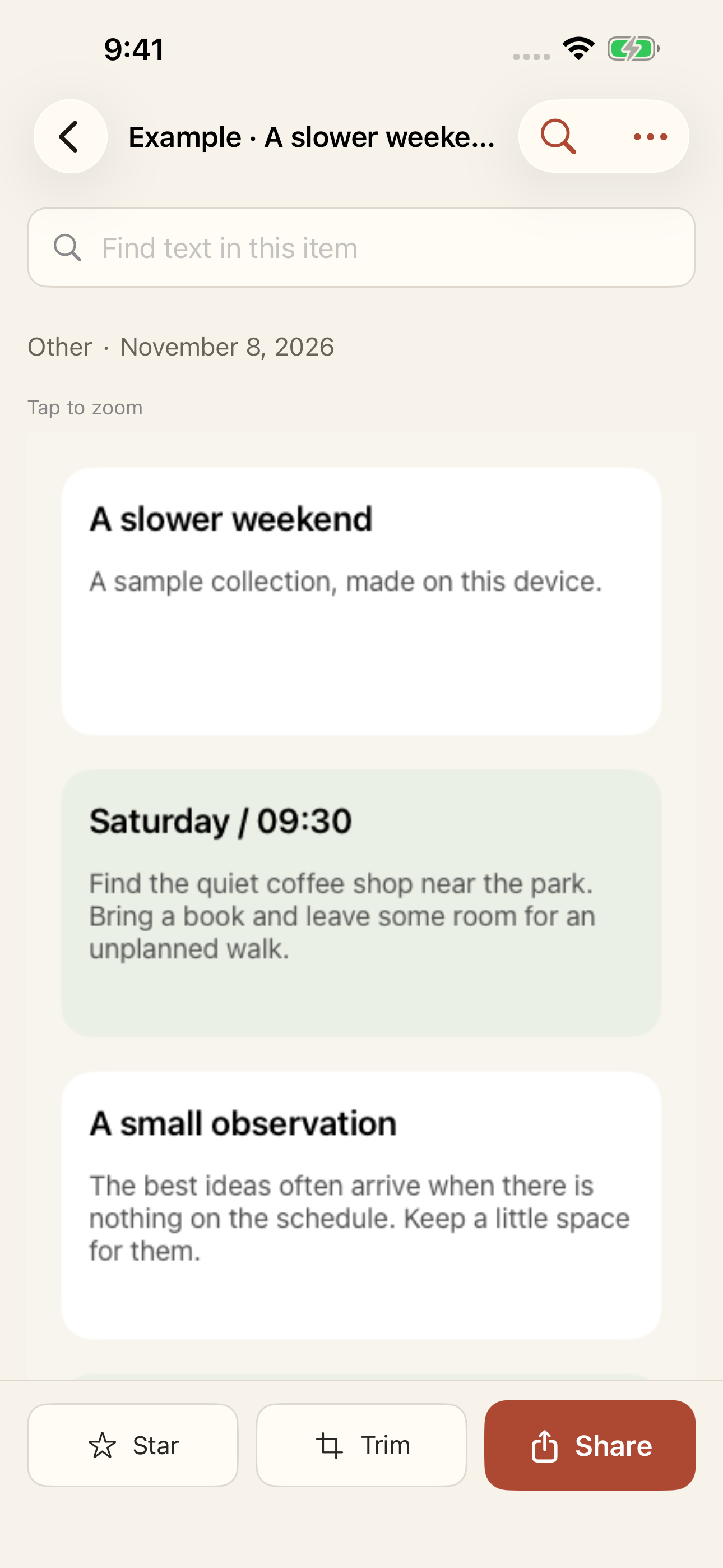
Screenshots are the fastest way to save insights, but only if you can retrieve them later. InfiSnap turns every long screenshot into an instantly searchable visual record.
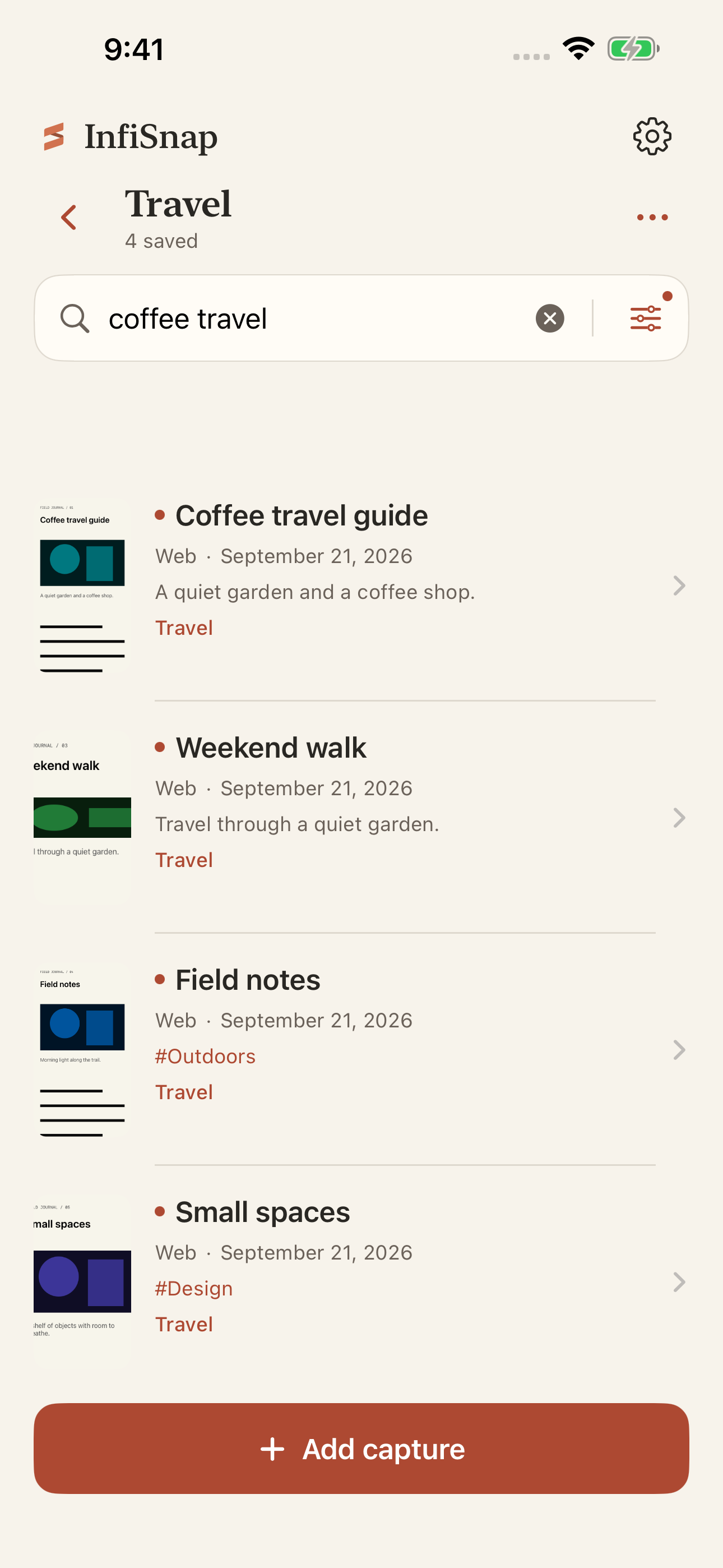
From long conversations and technical articles to curated design references, InfiSnap preserves authentic native visuals.
Preserve bubble order, timestamps, and chat wallpapers. Keep top and bottom bars once while removing duplicate headers and floating badges.
Stitch entire long articles, technical threads, and web pages—even feeds with dynamic elements—into a single searchable visual record.
Group captures across multiple topics, browse in a visual masonry grid, and export plain Markdown text for your local notes or AI agents.
Maintain high-resolution layouts and statements. Trim unwanted sections and export readable custom filenames in JPEG, lossless PNG, or PDF.
Long-press Screen Recording in Control Center and choose InfiSnap while scrolling any app, or tap "+ Add capture" to import screenshots, a screen recording, or a web page.
Hold and drag captures onto existing topics or New topic, or browse unassigned items in Unclassified—all displayed in a consistent masonry gallery.
Filter by topic, jump to highlighted OCR text inside any long image, trim ends or middle sections, and share with clean custom filenames.
source-*.png) are kept locally for 7 days so you can adjust crops or benefit from automatic stitch updates, and can be cleared anytime in Settings → Storage without affecting your saved long screenshots.